
Phone repair in Islington: your 2026 local guide
- Jun 8
- 7 min read
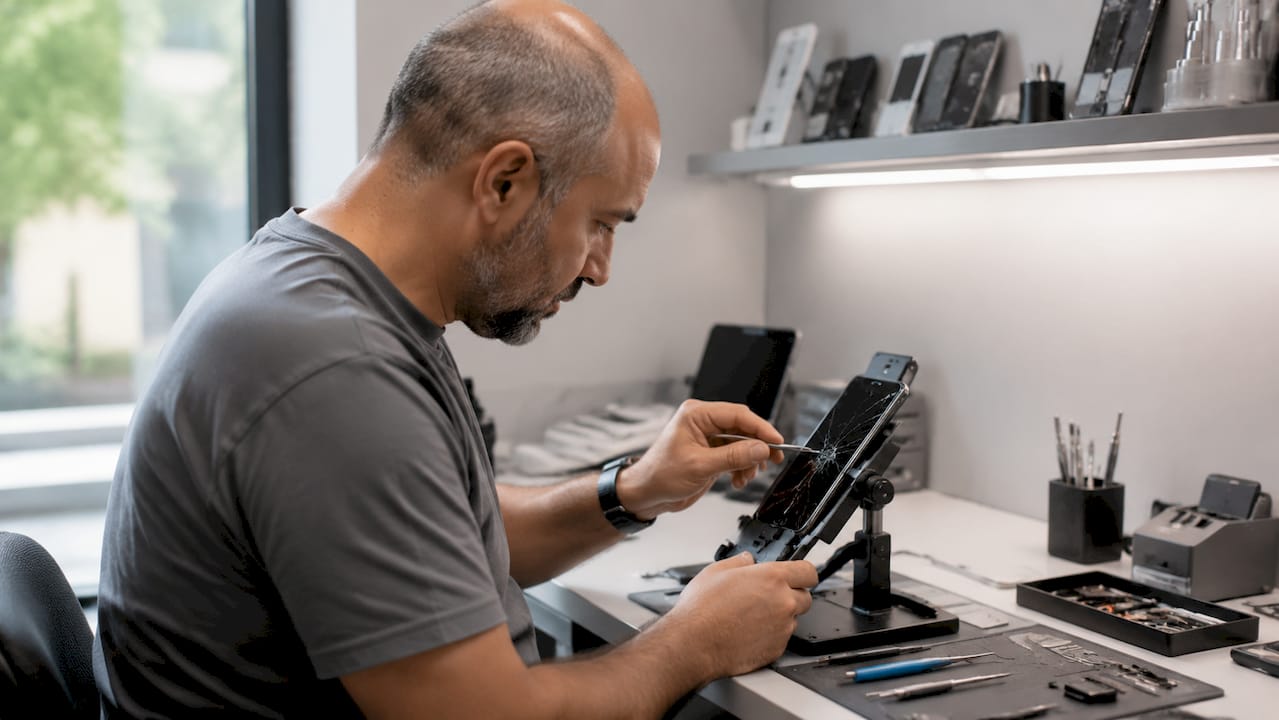
Phone repair in Islington is the process of restoring smartphones, tablets, and laptops through services such as screen replacement, battery exchange, charging port repair, and water damage restoration, carried out by skilled local technicians. Rapidrepairsldn serves Islington residents with brand-specific expertise covering iPhone, Samsung, MacBook, and iPad devices. Whether your screen has shattered on the Tube or your battery drains before lunchtime, knowing what to expect from a local repair shop saves you time, money, and unnecessary stress. This guide covers every stage of the repair process, from choosing the right service to preparing your device safely.
What types of phone repair are available in Islington?
Screen replacement is the most requested repair in any local shop, and Islington is no different. Cracked or unresponsive displays on iPhones and Samsung Galaxy devices account for the majority of walk-in repairs. A quality replacement restores full touch sensitivity and display clarity, not just the glass layer on top.
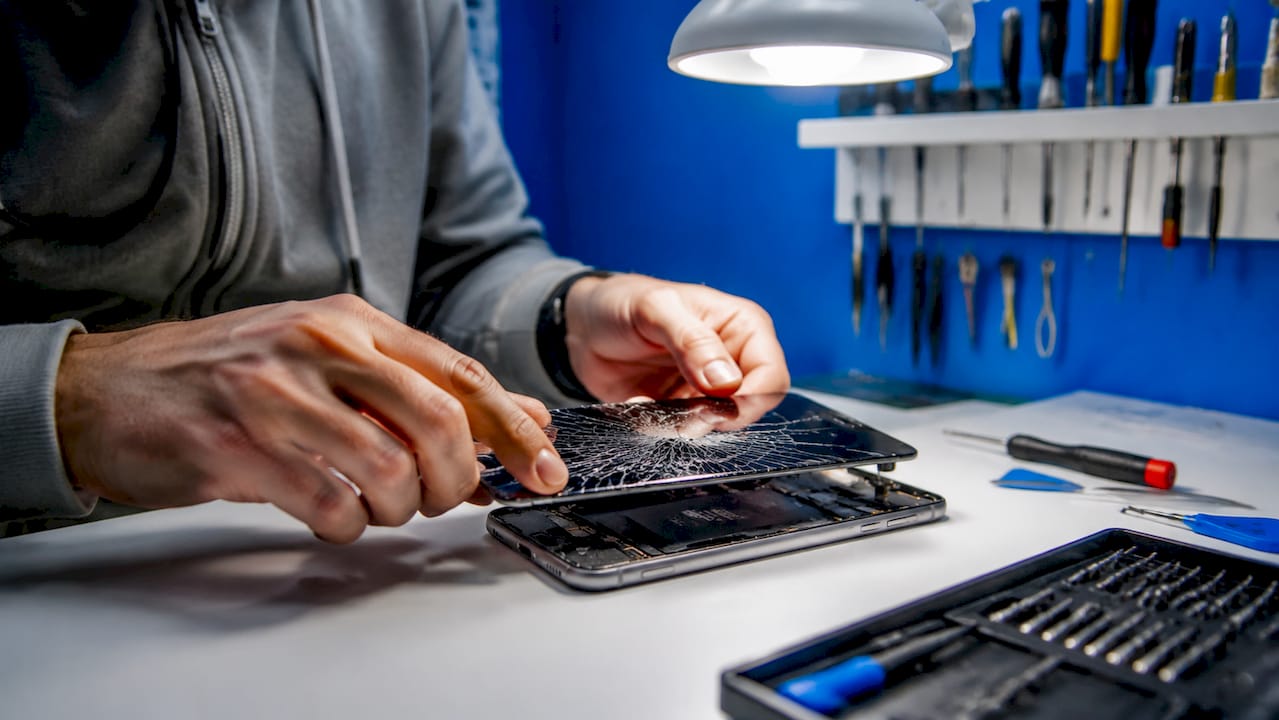
Battery replacement is the second most common fix. If your device struggles to hold a charge past midday or shuts down unexpectedly at 20%, the battery is almost certainly the cause. Rapidrepairsldn replaces batteries across iPhone, Samsung, and iPad models, restoring the device to near-original performance.
Beyond screens and batteries, the following repairs are regularly available at local shops in Islington:
Charging port repair: Loose connections, slow charging, or a port that only works at a specific angle all point to a damaged port. Cleaning or replacing the port resolves the issue without needing a new device.
Water damage diagnosis and restoration: Liquid exposure does not always kill a device immediately. A technician can open the device, clean corrosion from the board, and assess whether components are salvageable.
Tablet repairs: iPad and iPad Pro screen and battery repairs follow the same quality standards as phone repairs.
Laptop servicing: MacBook hardware faults, including keyboard failures and charging board issues, are handled at the component level.
Pro Tip: If your phone has been exposed to water, switch it off immediately and do not attempt to charge it. Bring it to a repair shop as soon as possible. Powering on a wet device is the most common cause of permanent water damage.
How does Rapidrepairsldn ensure quality and transparency?
Trust is built before the repair begins, not after. Reputable repair shops in 2026 provide written estimates that clearly separate parts costs from labour costs before any work starts. This matters because it lets you compare quotes accurately and understand exactly what you are paying for.
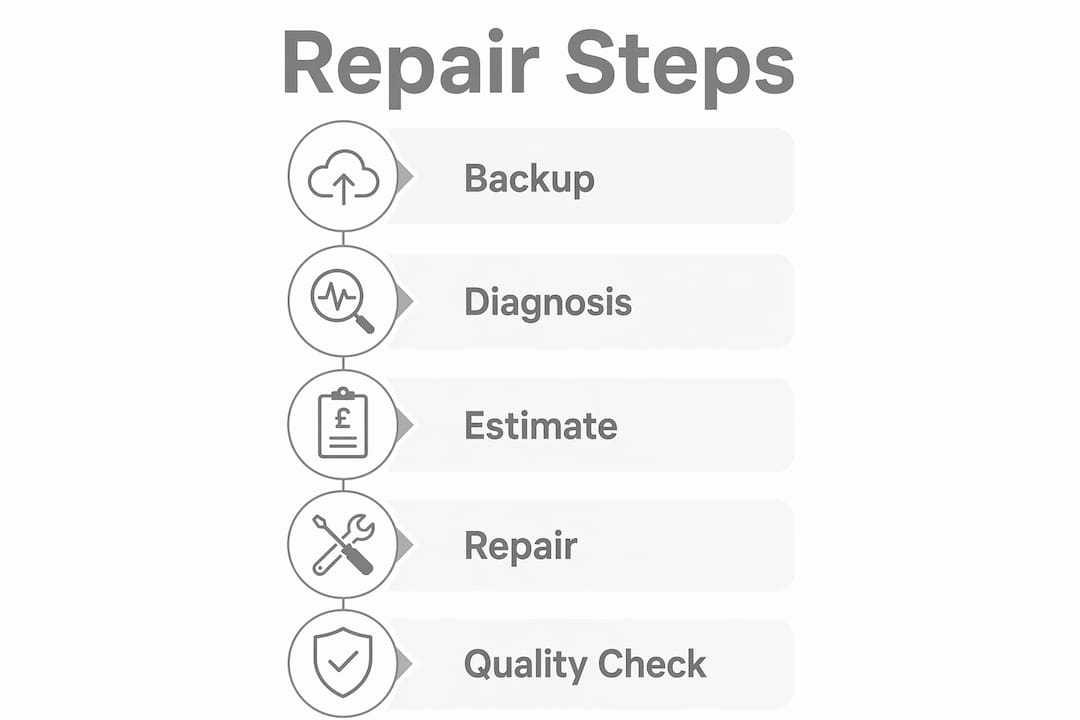
Parts quality directly affects how long a repair lasts. OEM or high-quality aftermarket parts produce more durable results and higher customer satisfaction than budget components. Rapidrepairsldn clarifies the source and grade of every replacement part at the point of estimate, so you are never left guessing.
Transparency also covers risk. Written disclosure of reset risk before device intake is a standard that professional shops follow. If a factory reset might be required during your repair, you should be told before you hand over the device, not after.
“Professional repair shops that itemise and communicate costs clearly are trusted more by customers and see higher repeat business.” — How to choose a reliable phone repair shop in 2026
The key transparency standards to expect from any Islington repair provider include:
A written, itemised estimate before work begins
Clear explanation of parts grade (OEM versus aftermarket)
Disclosure of any data loss or reset risk at intake
Stated repair warranty covering parts and labour
Realistic turnaround time communicated upfront
What should you do to prepare your device before repair?
Preparation protects your data and prevents disputes. The single most important step is creating a full backup before you hand over your device. A fresh backup combined with privacy mode activation is the best practice before any repair service. Use iCloud or iTunes for iPhone, and Google Drive or a local backup for Android devices.
Follow these steps before dropping off your device:
Back up your data. Use iCloud, Google Drive, or a computer backup. Confirm the backup has completed successfully before leaving the shop.
Enable Repair Mode or Maintenance Mode. Android Repair Mode creates a temporary environment that conceals your personal data during hardware servicing. Samsung devices include a dedicated Maintenance Mode for the same purpose. Neither replaces a backup, but both reduce privacy exposure.
Remove your SIM card and microSD card. Removing SIM and microSD cards before repair protects personal data and avoids two-factor authentication complications during service. These components are rarely needed for hardware repairs.
Photograph your device. Date-stamped photos of your device’s condition before repair prevent disputes over cosmetic damage. Document every scratch, dent, and crack before you hand it over.
Clarify reset risk with the shop. Ask directly whether your repair carries any risk of data loss. A professional shop will answer clearly and document the response.
Pro Tip: Take photos in good lighting from multiple angles, including the screen, back panel, and all four edges. Store them somewhere other than the device being repaired, such as a second phone or a cloud folder.
Preparation step | Why it matters |
Full data backup | Prevents permanent data loss if a reset is required |
Repair Mode or Maintenance Mode | Limits technician access to personal files during service |
SIM and microSD removal | Protects contacts, messages, and authentication codes |
Photo documentation | Provides evidence of pre-existing cosmetic condition |
Reset risk clarification | Confirms informed consent before work begins |
How does Rapidrepairsldn handle brand-specific repairs?
Different devices require different expertise, and brand knowledge matters when the repair involves delicate components. Rapidrepairsldn offers brand-specialised repair services covering the four most popular device families among Islington residents.
Device | Common repairs | Notes |
iPhone | Screen replacement, battery swap | All models covered; OEM-grade screens available |
Samsung Galaxy | Screen repair, charging port, water damage | Samsung repairs include board-level diagnostics |
iPad and iPad Pro | Screen and battery replacement | iPad repairs require specialist tools due to adhesive bonding |
MacBook | Hardware restoration, charging board repair | Laptop servicing covers component-level faults |
For iPhone users, screen repairs are the most time-sensitive fix. A cracked display left unrepaired can allow moisture into the device and damage the OLED panel beneath. Rapidrepairsldn stocks iPhone repair parts for current and recent models, reducing wait times significantly.
Samsung devices present a different challenge. The curved-edge displays on Galaxy S-series phones require precision tools and experience to replace without damaging the frame. Water damage on Samsung devices is also more common than many users realise, given how often these phones are used outdoors.
Where can Islington residents find trusted local repair services?
Islington sits in a well-connected part of north London, and residents have access to several reliable repair options within a short distance. Rapidrepairsldn operates nearby, serving customers from Islington and surrounding areas including Finchley and Barnet. The advantage of a local shop over a postal repair service is speed, accountability, and the ability to ask questions face to face.
When choosing a repair provider near Islington, consider the following:
Turnaround time: Many screen and battery repairs are completed same day. Ask for a specific estimate, not a vague timeframe.
Warranty offered: A minimum 90-day warranty on parts and labour is a reasonable baseline for any quality repair.
Reviews and reputation: Check Google reviews for recent feedback, paying attention to how the shop responds to complaints.
Parts transparency: Ask whether the shop uses OEM or aftermarket parts and whether you can choose between them.
Key takeaways
Islington residents get the best repair outcomes when they prepare their device properly, choose a transparent shop, and understand what brand-specific service involves.
Point | Details |
Back up before repair | Complete a full cloud or local backup before handing over any device. |
Demand written estimates | Reputable shops separate parts and labour costs in writing before starting work. |
Use Repair Mode for privacy | Android Repair Mode and Samsung Maintenance Mode limit data exposure during service. |
Remove SIM and storage cards | Physical removal of SIM and microSD cards prevents data and authentication risks. |
Choose brand-specialist shops | iPhone, Samsung, iPad, and MacBook repairs each require specific tools and experience. |
What I have learned from watching Islington residents get their phones repaired
The most common mistake I see is people walking into a repair shop without a backup. They assume the technician will preserve everything, and most of the time that is true. But “most of the time” is not good enough when the device holds two years of photos, work emails, and banking apps. A repair that goes smoothly is still a risk if you have not protected your data first.
The second thing I have noticed is that price transparency separates good shops from average ones faster than any other factor. When a shop gives you a verbal quote and then adds charges at collection, that is not a pricing error. That is a process failure. The shops that itemise costs in writing before touching your device are the ones worth returning to.
Islington residents tend to be well-informed consumers. They ask good questions and they notice when answers are vague. My advice is to use that instinct. If a shop cannot tell you clearly what parts they use, how long the repair will take, and what happens to your data, find one that can. The repair itself is often straightforward. The trust around it is what makes the difference.
— Joshua
Get your device repaired by Rapidrepairsldn
Rapidrepairsldn provides expert repairs for Islington residents across all major device brands and fault types.
Whether you need an iPhone screen replaced, a Samsung battery swapped, an iPad display restored, or a MacBook brought back to life, the team at Rapidrepairsldn handles each repair with clear pricing, quality parts, and honest communication. Charging port faults, water damage assessments, and motherboard-level diagnostics are all part of the service. Islington customers benefit from a local shop that explains every step, provides written estimates, and backs its work with a warranty. Book your repair or get a quote directly through Rapidrepairsldn.
FAQ
What phone repairs are available in Islington?
Screen replacement, battery swap, charging port repair, and water damage restoration are all available locally. Rapidrepairsldn covers iPhone, Samsung, iPad, and MacBook devices.
How long does a phone repair take in Islington?
Most screen and battery repairs are completed the same day. More complex faults such as water damage or motherboard repairs may take longer depending on parts availability.
Should I back up my phone before taking it for repair?
Yes. A fresh backup combined with Repair Mode is the recommended approach before any repair. Backups protect your data if a reset becomes necessary during service.
Do I need to remove my SIM card before repair?
Removing your SIM and microSD card before repair is strongly recommended. It protects your personal data and prevents two-factor authentication issues during the service.
How do I know if a repair shop uses quality parts?
Ask directly whether the shop uses OEM or high-quality aftermarket parts. Reputable shops clarify parts grade at the point of estimate and include this information in their written quote.
Recommended
Comments